Driver Qualification File Management
Simplify one of fleet compliance’s most complex requirements by centralizing records, tracking expirations, and keeping every driver audit-ready.
Learn More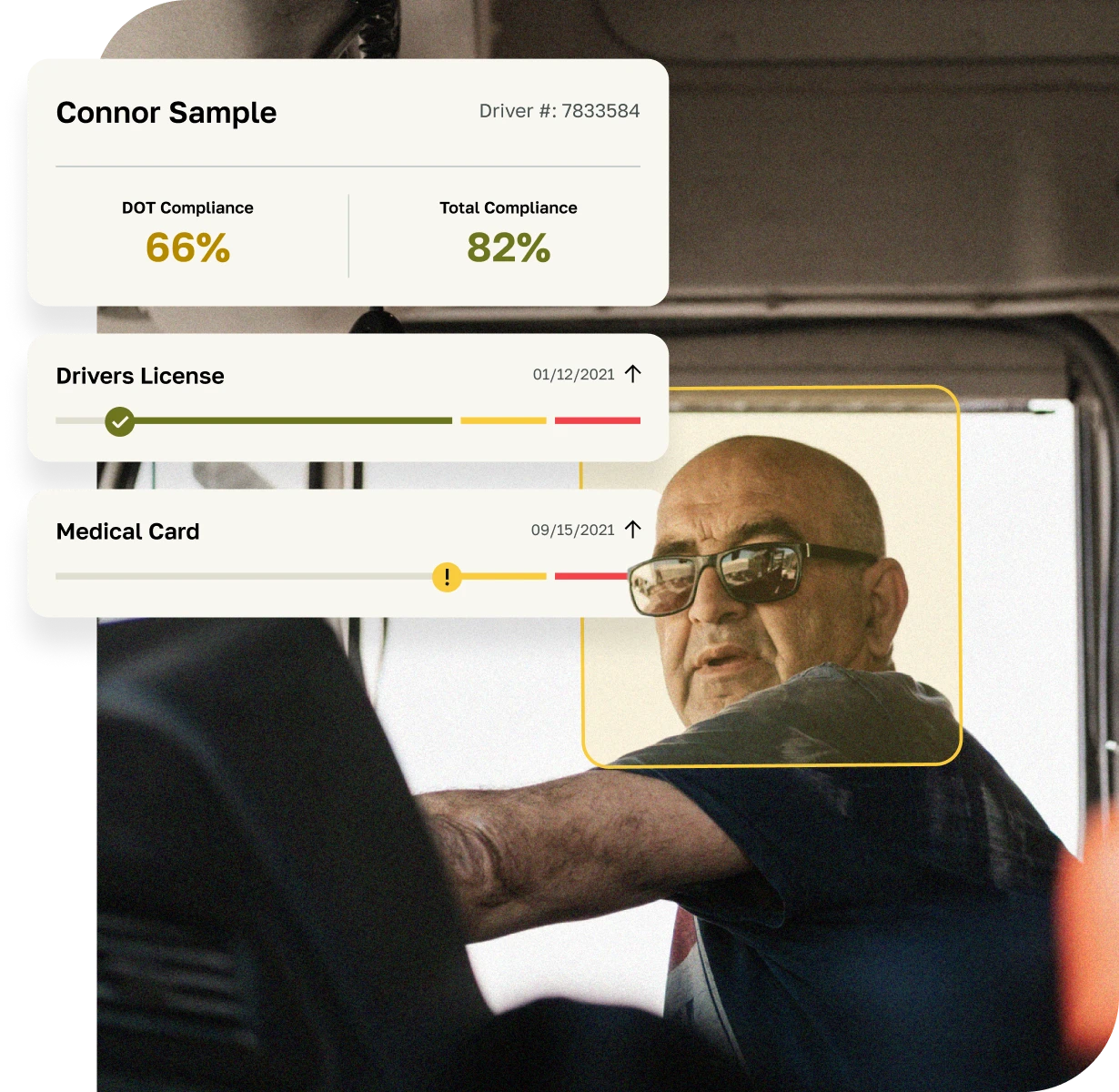
Driver Qualification File Management
Simplify one of fleet compliance’s most complex requirements by centralizing records, tracking expirations, and keeping every driver audit-ready.
Learn More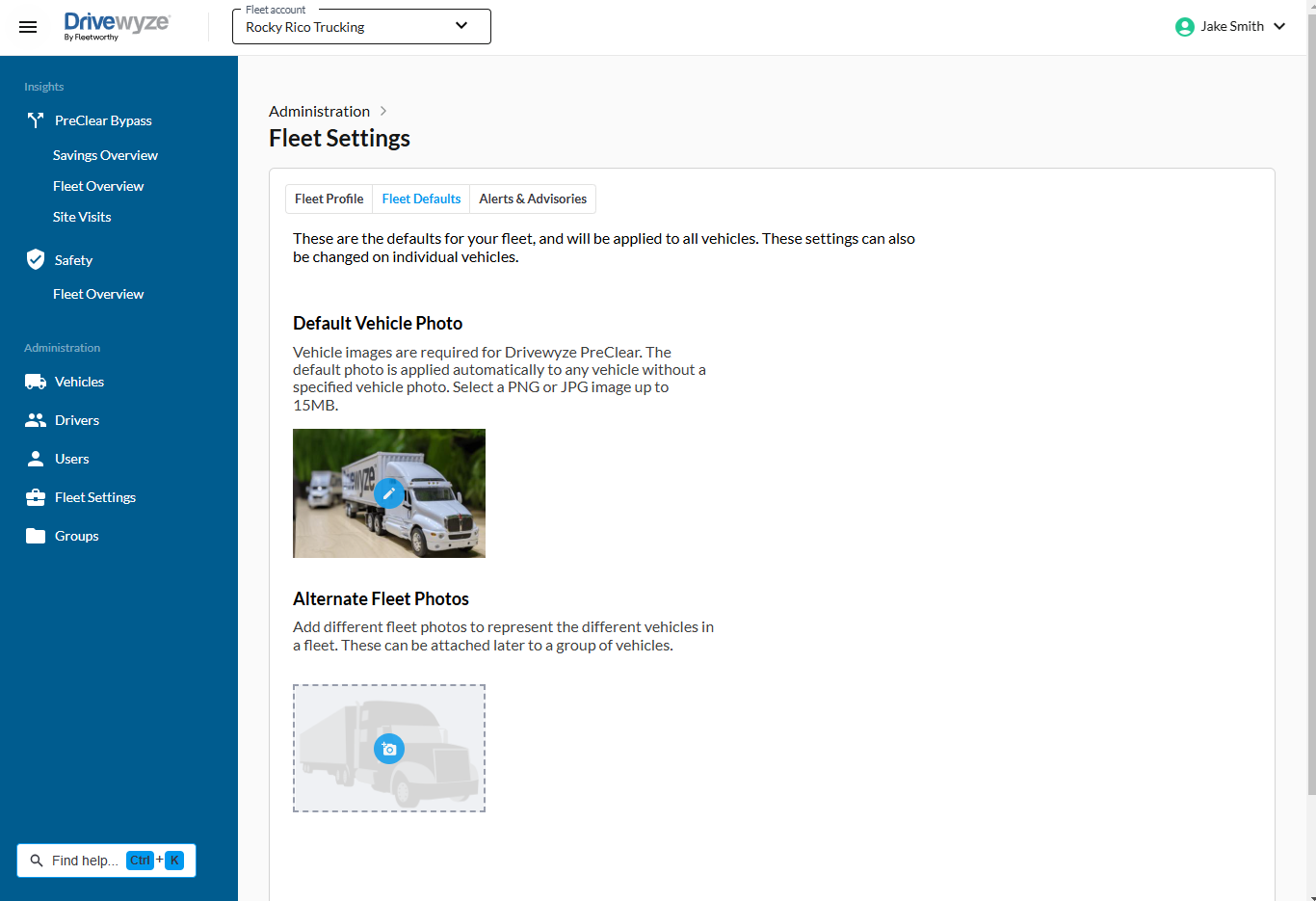
Updating your account information with Fleetworthy is a simple process, designed to ensure that your fleet details, contact information, billing preferences, and service configurations remain accurate and up to date. Keeping your account current is important for uninterrupted service, accurate reporting, proper billing, and maintaining eligibility for Weigh Station Bypass (Formerly Drivewyze) opportunities.
There are several ways to update your Weigh Station Bypass (Formerly Drivewyze) account information:
Drivewyze Online Portal: Most account updates can be made directly through the Weigh Station Bypass (Formerly Drivewyze) web-based customer portal. Fleet managers and account holders can log in to the portal to:
Contact Drivewyze Support: For more complex updates or changes that require assistance, you can contact the Weigh Station Bypass (Formerly Drivewyze) support team by phone or email. Support representatives can help:
Through Your Telematics Provider: If you access Weigh Station Bypass (Formerly Drivewyze) services through a supported ELD or telematics provider, some account changes (such as adding or removing vehicles) may be managed directly through that platform. Your telematics account representative or support team can coordinate updates with Weigh Station Bypass (Formerly Drivewyze).
Billing and Payment Updates: Payment methods and billing details can typically be modified through the Drivewyze portal or by contacting the billing department directly.
In short, Weigh Station Bypass (Formerly Drivewyze) provides multiple, easy-to-use options to keep your account information current, ensuring seamless service, accurate records, and optimal performance for your fleet.