Driver Qualification File Management
Simplify one of fleet compliance’s most complex requirements by centralizing records, tracking expirations, and keeping every driver audit-ready.
Learn More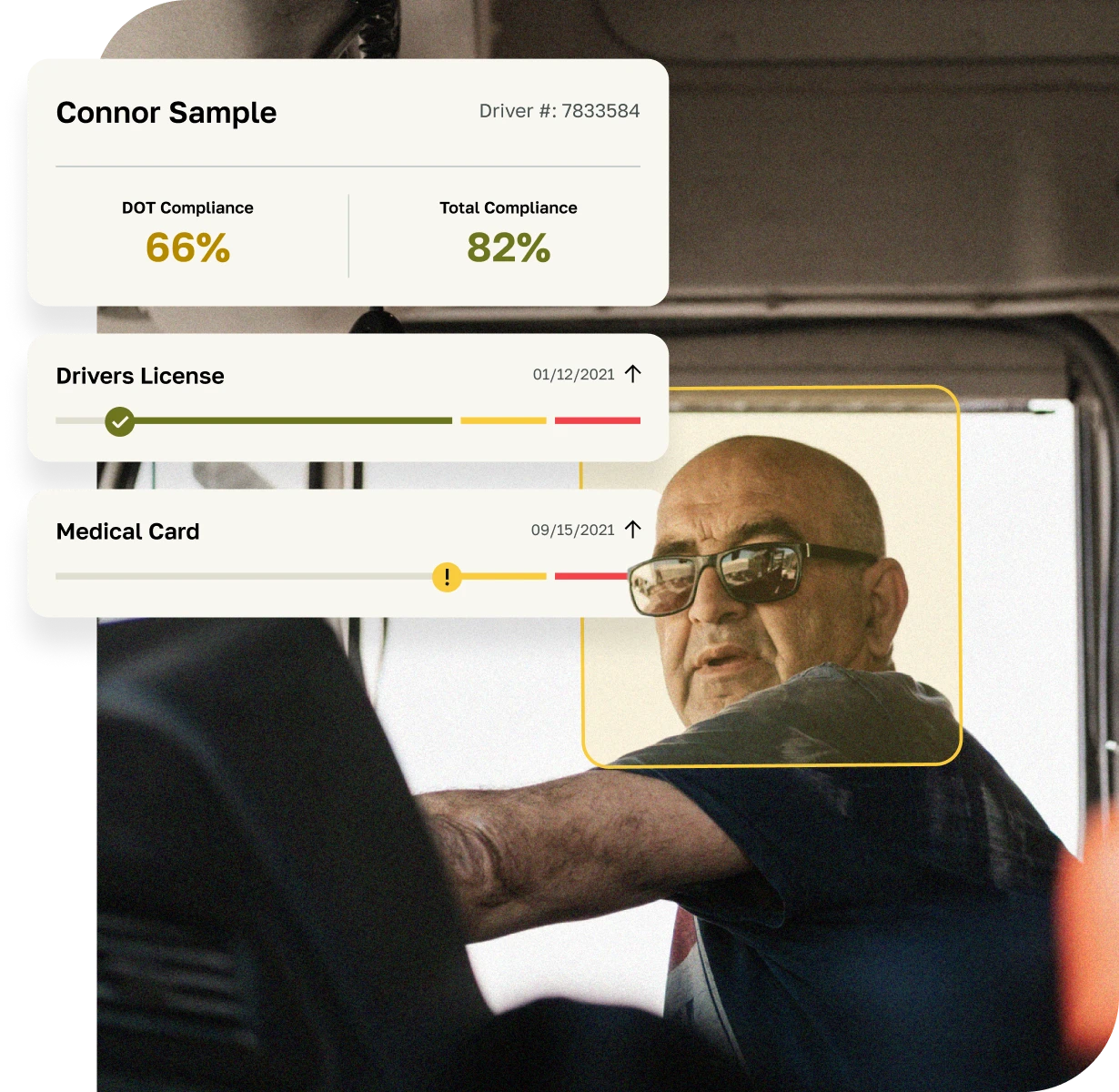
Driver Qualification File Management
Simplify one of fleet compliance’s most complex requirements by centralizing records, tracking expirations, and keeping every driver audit-ready.
Learn More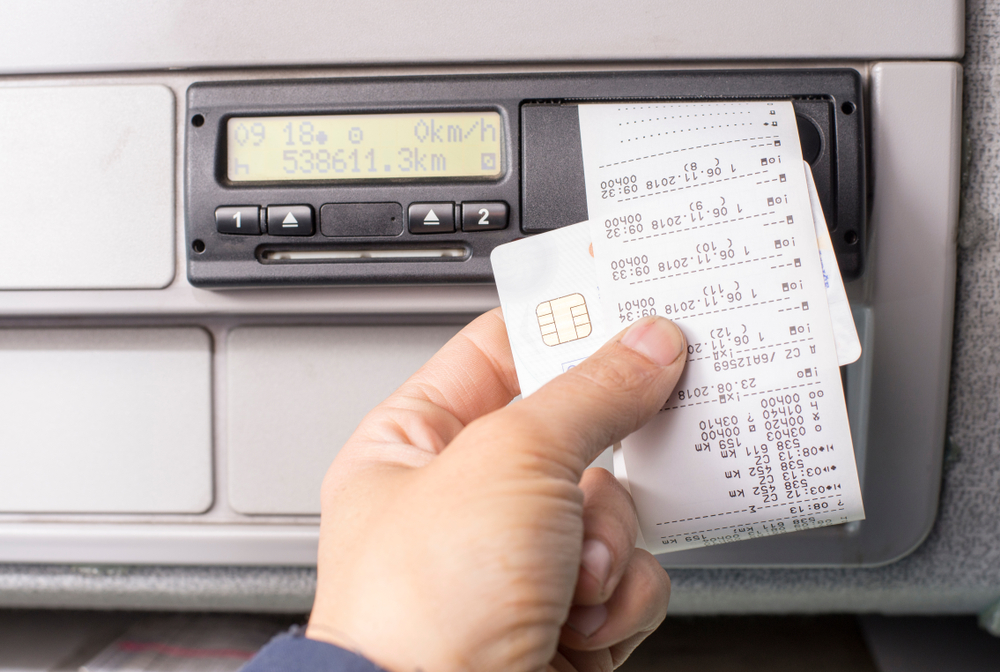
An ELD compliance guide is a practical reference that explains how motor carriers and commercial drivers meet the Electronic Logging Device rule that enforces federal Hours of Service in the United States, who must use ELDs, what the device must do, how to configure and audit logs, what documents to carry, how to handle malfunctions, and which exceptions apply.
At its core, ELD compliance means using a registered device that automatically captures key data from the engine and records a driver’s duty status with limited, traceable edits. The device must be on the Federal Motor Carrier Safety Administration’s official list of registered ELDs, be properly installed to the vehicle’s engine, and support approved data transfer methods for roadside inspections. Carriers retain records for six months and maintain supporting documents. Drivers and back-office staff follow defined procedures to manage unassigned driving time, certify logs, and address anomalies.
Most drivers who must keep records of duty status must use an ELD. Key exceptions include:
If a driver falls out of an exception on a given day (for example, exceeds short-haul limits), RODS are required for that day. If that happens more than 8 days in a 30-day period, an ELD is required.
A compliant device automatically records date, time, geographic location, engine hours, vehicle miles, and driver identification. It switches to driving status when motion is detected and applies configurable special categories such as yard move (on-duty, not driving) and personal conveyance (off-duty). Edits are tightly controlled: the driver and carrier can propose corrections with annotations, but the original record is retained and the driver must certify the final log.
Data transfer for inspections must use one of two telematics methods (web services or email) or one of two local methods (USB or Bluetooth). The driver must be able to display or produce a printout of the last 7 or 8 days of logs and must know how to initiate a transfer.
Drivers must have, in the vehicle (paper or electronic):
Carriers retain ELD records and supporting documents for six months, secure them against alteration, and keep a backup copy. Supporting documents (for example, bills of lading, dispatch records, fuel receipts, payroll) are limited to a maximum number per driver per day under FMCSA rules; keep enough to corroborate HOS without exceeding limits.
Compliance hinges on clear internal rules and training.
Officers will request a display or printout and may request a data transfer. The driver should know which method the device uses and how to initiate it, how to show the inspector the required screens, and how to locate user manuals and instruction sheets. Any edits or special categories should have clear annotations. Professional, consistent presentation reduces inspection time and friction.
Start with the FMCSA list of registered ELDs and verify the model and firmware version. Confirm the data transfer method your enforcement region most commonly accepts. For cross-border carriers, check that the device is also certified for Canada, where approval is by third-party certification and off-duty rules differ. Evaluate:
Pilot the system with a small group of drivers and equipment types before fleet rollout. Validate location accuracy, motion thresholds in yard environments, and the usability of the driver app. Build standard operating procedures and job aids with screenshots from your actual system. Train dispatchers and managers as carefully as drivers; most ELD issues originate in dispatch instructions and post-trip log management, not the hardware.
Schedule weekly log audits that check:
Close the loop by coaching drivers and adjusting routes or appointment scheduling to prevent repeat problems.
If you operate in Canada, devices must be on Transport Canada’s list of certified ELDs. The enforcement culture expects drivers to understand Canadian-specific rulesets, including off-duty deferral and different treatment of adverse driving conditions. Many systems can switch rulesets automatically at the border; verify this and train accordingly.
A well-crafted ELD compliance guide turns regulations into a daily checklist for drivers and a repeatable process for managers. It defines responsibilities, prevents common errors, and documents how your fleet installs, trains, audits, and maintains records. When paired with routine internal reviews and targeted coaching, it reduces violations, streamlines inspections, and keeps your operation aligned with current rules even as technology and enforcement expectations evolve.