If you stop receiving bypass notifications from Weigh Station Bypass (Formerly Drivewyze), it’s important to troubleshoot the issue promptly to ensure you don’t miss bypass opportunities that help reduce delays and improve route efficiency. Several factors can cause bypass notifications to stop, but most issues are easy to resolve with a few basic steps or by contacting Weigh Station Bypass (Formerly Drivewyze) support.
Here’s what you should do if bypass notifications stop appearing:
- Check Coverage Area: Confirm that you are operating within a region where Weigh Station Bypass (Formerly Drivewyze) is active. While Weigh Station Bypass (Formerly Drivewyze) offers coverage at over 900 sites across North America, there may be locations or routes where bypass services are not available. You can verify active sites by checking the Weigh Station Bypass (Formerly Drivewyze) coverage map on their website.
- Verify Service Activation: Ensure your vehicle is properly enrolled in Weigh Station Bypass (Formerly Drivewyze). If you recently switched vehicles, updated your ELD, or changed telematics providers, you may need to reactivate services.
- Restart Your Device: If you’re using Weigh Station Bypass (Formerly Drivewyze) through an ELD, telematics system, or mobile app, try restarting the device to refresh connectivity and clear temporary glitches that might block notifications.
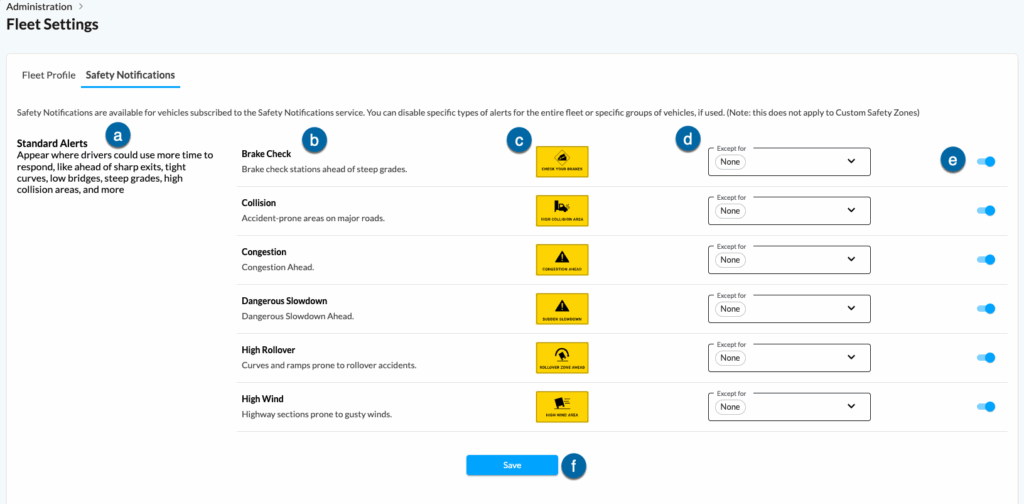
- Check Device Settings: Verify that sound, notifications, and display settings on your in-cab device or mobile platform are properly configured to allow Weigh Station Bypass (Formerly Drivewyze) alerts. Some devices have muted notifications by default.
- Confirm Cellular Connectivity: Weigh Station Bypass (Formerly Drivewyze) relies on cellular networks and GPS to deliver notifications. If you are in an area with poor signal strength or your device has lost connectivity, alerts may not appear until service is restored.
- Update Software: Make sure your ELD, telematics system, or Weigh Station Bypass (Formerly Drivewyze) is running the latest software version. Outdated applications can cause compatibility issues that affect alerts.
- Contact Support: If troubleshooting doesn’t resolve the issue, contact Weigh Station Bypass (Formerly Drivewyze) support by phone or email. They can verify account status, check for technical issues, and assist with reactivating notifications.
In short, most bypass notification issues are easily resolved by checking coverage, ensuring service is active, verifying settings, and reaching out to Weigh Station Bypass (Formerly Drivewyze) support if needed.